Flight Master ATC Guide
Run the tower, sequence traffic, and keep Flight Master airports flowing.
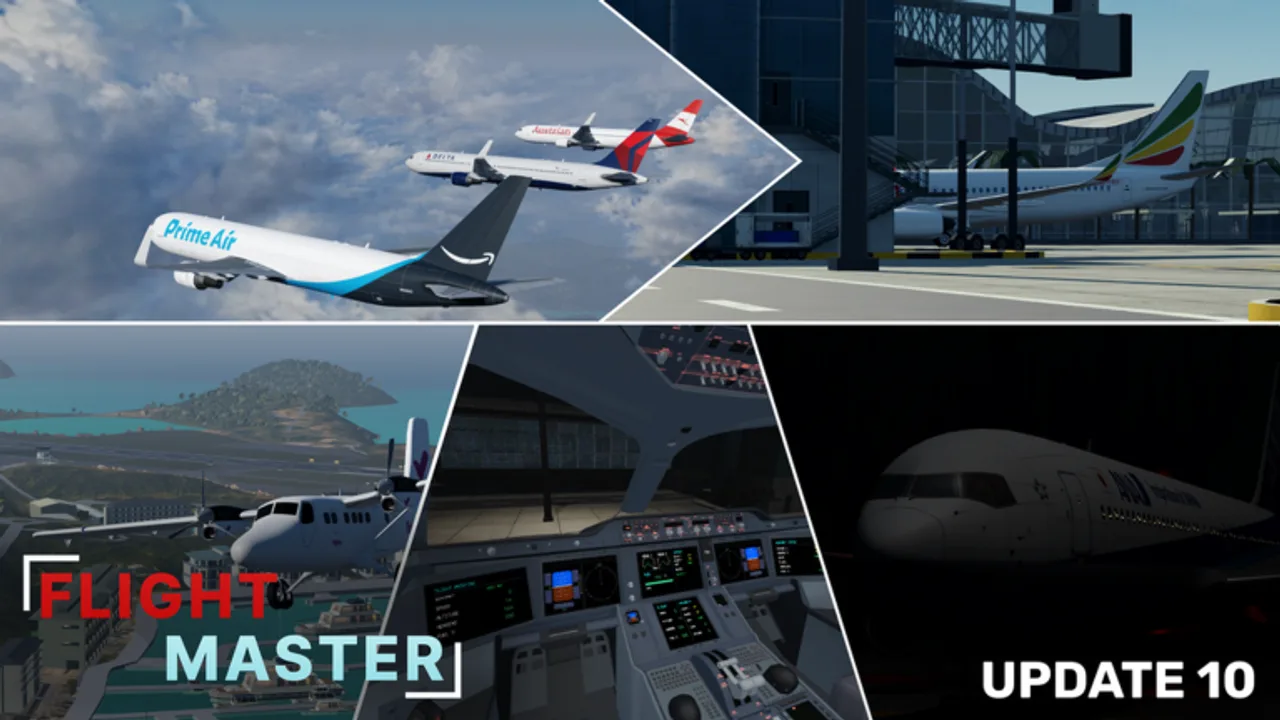
Flight Master’s ATC mode lets you direct live pilots instead of flying. Combined with realistic airports and the Map Editor, tower play is a major reason creators call the game a hidden gem. This guide covers controller workflow and pilot etiquette. Ownership details sit on Players / Gamepasses.
Update 10 rescripted ATC, so menus may differ from older clips — learn the current command panel in a quiet server first.
What ATC does in Flight Master
Controllers typically:
- Select an airport to manage
- View traffic from an overhead / satellite style display
- Assign taxi, hold-short, line-up, takeoff, and landing clearances
- Keep two aircraft from occupying the same runway
You are the difference between cinematic parallel ops and chaotic midfield crossings.
Getting into the tower
- Acquire the ATC gamepass if required.
- From the menu, choose ATC / Control Tower.
- Select the airport you want to staff.
- Orient yourself with runway numbers and taxiways.
- Announce in chat that ATC is online.
If no controller is present, pilots usually self-announce — be ready for sudden traffic when you log in.
Basic clearance flow
Use a predictable order so pilots know what to expect:
- Taxi to runway XX via a named route when possible
- Hold short
- Line up and wait
- Cleared for takeoff
- For arrivals: enter downwind / base / straight-in as needed
- Cleared to land or go around
Keep transmissions short. Public Roblox chat is not a full radio stack — clarity beats jargon theater.
Sequencing tips
- One aircraft occupying the runway environment at a time for beginners
- Do not clear landing while someone is still rolling out
- Prefer departure release when final is empty
- If two pilots argue, freeze clearances and reset with plain English
Busy nights benefit from a simple rule card pasted in chat.
Airport-specific awareness
Remodeled Hamilton Island and Doha Hamad change taxi distances and visual references. Short fields need earlier go-around calls. Study Airports so your expectations match runway length.
Custom Map Editor fields may lack standard taxiway names — invent simple ones (“left taxi”, “pad 1”) and stick to them.
Pilot side: how to work with ATC
Even if you only fly, ATC sessions improve when pilots:
- Spawn with working lights (Controls)
- Read back runway numbers
- Hold short without being asked twice
- Go around immediately when told
- Avoid scripts that ignore collisions
New pilots should finish Getting Started before joining a controlled event.
Phraseology cheat sheet
| Situation | Example chat |
|---|---|
| Ready to taxi | “Ready to taxi, Gate 3” |
| Holding short | “Holding short 27” |
| Ready for takeoff | “Ready for departure 27” |
| On final | “Final runway 09” |
| Going around | “Going around” |
Training as ATC
Shadow a busy public airport in observer mindset, then control a private server with two friends. Practice issuing a full departure and a full arrival before adding cross traffic. Watch the Twin Otter + ATC showcase video mid-page for historical feature context, then adapt to the rescripted UI.
Common ATC mistakes
- Clearing two line-ups on opposing ends without a plan
- Forgetting a landed pilot still on the runway
- Over-long chat messages pilots cannot parse while flaring
- Ignoring weather/visibility after the volumetric clouds update
Coordination with updates
After patches, verify the ATC panel still sends commands. Read Updates whenever tower tools feel broken — it is often a rescript, not your settings.
Why ATC improves your flying
Controllers who also fly become better pilots: you learn how much time a 767 needs to vacate, when a Twin Otter can accept a short gap, and why stable finals matter. Alternate roles across the week for maximum fun.
Staff the tower with patience, keep runways sterile, and point confused pilots back to Takeoff and Landing between waves of traffic.
Frequently Asked Questions
Quick answers for Flight Master pilots, ATC, and builders.
Do I need a gamepass for Flight Master ATC?
ATC is typically gated by a gamepass. Check the in-game store and the Players page for the current requirement.
What clearances should I learn first?
Taxi, hold short, line up and wait, cleared for takeoff, cleared to land, and go around.
Can ATC work on Map Editor airports?
Yes, especially in private servers. Agree on simple runway names before traffic starts.
What should pilots do if ATC is offline?
Self-announce intentions in chat and leave generous spacing on the runway.